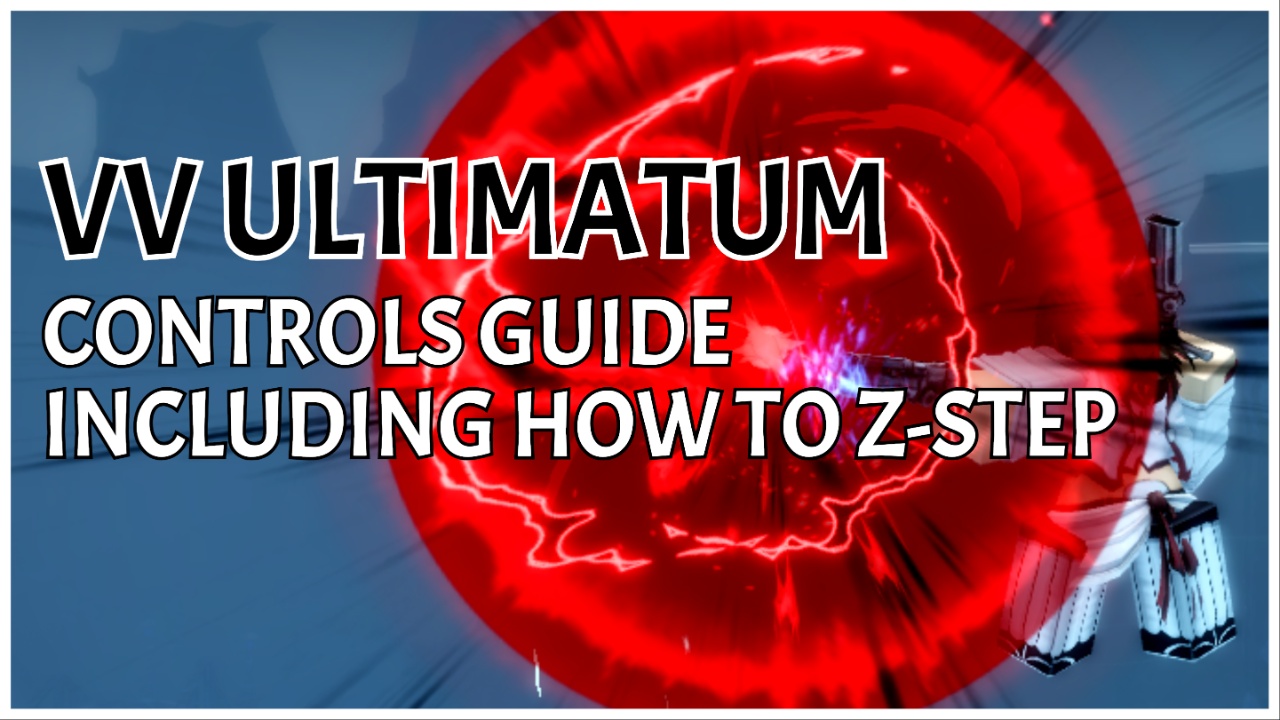
Take back control with my VV ULTIMATUM Controls guide, telling you the full spread of PC keybinds, including Combat, Movement, Hotbar, UI, and Misc. And, whilst it isn’t entirely related, I’ll also tell you how to Z-Step, since this is a command that plenty of other players and I have struggled with.
Let’s get into it!
VV ULTIMATUM Controls Guide
These Controls are up to date as of June 11th, 2026.
PC Controls
Listed in alphabetical order, for your convenience.
Combat
- Block: Right Mouse
- (Situational) Race Ability 2: Right Mouse
- Counter: F
- Equip Weapon: X
- Execute: B
- Form Activation: E
- Heavy Attack: Middle Mouse
- Light Attack: Left Mouse
- (Situational) Race Ability 1: Left Mouse
- Maim: V
- Power Down: H
- Power Up: G
Movement
- Airwalk Descend: Control (x2)
- Fast Movement: Q
- Jump: Spacebar
- Sprint: Shift
- Camera Lock: Left ALT
Hotbar
- Hotbar Slot 1: 1
- Hotbar Slot 2: 2
- Hotbar Slot 3: 3
- Hotbar Slot 4: 4
- Hotbar Slot 5: 5
- Hotbar Slot 6: 6
- Hotbar Slot 7: 7
- Hotbar Slot 8: 8
- Hotbar Slot 9: 9
- Quick Fire 1: Y
- Quick Fire 2: T
- Quick Fire 3: R
UI
- Emote Menu: K
- Menu: Tab
- Player List: Backquote (`)
- Skill Tree: M
- Squad Ping: Comma
Misc
- Change Stance: Hold M3
- Drop Tool: Backspace
- Interact: T
- Race Prog: L
- Sense: C
- Spiritual Pressure: Control + G
- World Portal: U
How To Z Step
To Z Step, you need to knock another player into the air and immediately follow up with a Z-Step compatible move + rushdown (shift + Q).
Despite being a specific move that doesn’t appear anywhere else in this Controls guide, I wanted to include how to Z Step, as plenty of other players and I have struggled to figure out the trigger for this skill.
Hopefully, this little section helped!
Frequently Asked Questions
- Can I change my controls?
- Yes! When loaded into the game, locate the Settings icon on the top-left hotbar (cog-wheel icon), select it, and you’ll open the Keybind menu. From here, you can change them to suit your playstyle, or press Reset Defaults to change them all back to the standard game settings.
- How can I quickly learn the controls?
- At the start of the game, when you’re deployed into Fort Adams for the tutorial, you’ll meet the Helpful Spirit, who introduces you to the basic commands, concluding with an NPC fight before you enter the main game. Whilst you’re in Fort Adams, the Helpful Spirit will ask if you want to redo the main tutorial each time you log in before the NPC fight.
- Does VV ULTIMATUM have Mobile and Controller Support?
- Admittedly, I don’t play in either of these ways, but it seems the game is fairly limited right now and doesn’t offer either Mobile or Controller Support. Players have asked, and with the game’s popularity, it seems likely that we will eventually get both Mobile and Controller Support. Still, take this with a grain of salt, I’m not a DEV.
Start Playing VV ULTIMATUM
Now that you’re back in control, start playing VV ULTIMATUM via Roblox.
Or, for more on this Bleach-inspired game, check out my VV ULTIMATUM Hollow Traits guide and my VV ULTIMATUM Skill Essences guide.