Feeling a little out of control? Jokes aside, there’s nothing worse than the blinding rage from games not feeling smooth with their seemingly random assortment of keybinds. In this Hollow Era Controls Guide, I tell you all the keybinds and their corresponding action, and how to change your controls!
Start playing Hollow Era on Roblox. For more on this Bleach-inspired game, check out my Hollow Era Resurrection Tier List and Hollow Era Arrancar Progression Guide.
Hollow Era Controls Guide – For PC
Let’s get right into it!
- MB1 – A weak and very basic attack.
- MB stands for Mouse Button, this means MB1 is your mouse button 1 or left clicker.
- F – Block
- Shields the player behind their arms to perform a weak block. Also necessary for perfect blocks, which can then trigger a counter attack.
- E – Equip a held item.
- W – Walk.
- WW (double press) to sprint.
- Double Space Bar – Air walk.
- Q – Dash forwards.
- Used to travel quicker than the WW run, evade attacks, and get the drop on unsuspecting mobs.
- Z, X, C – Perform the mode skills associated with that keybind.
- V – Perform Ultimate mode Skills
- Number keys 0-9 – Perform the Special Skills associated with that keybind.
- These skills will be associated with the player’s lineage and skill trees.
- M – Triggers the menu page pop-up.
- Y – Triggers Mode. Requires full Rage meter to perform Modes.
- J – Reveal hidden objects around the map (Reiatsu Sense).
- G – Open the gate.
- Middle Mouse Button – Lock on.
- K – Rip off the chain.
- Only necessary to become an Arrancar. Keeping it on and progressing in the early game will turn the player into a Shinigami player.
- I – Zoom camera in.
- O – Zoom camera out.
Altering Your Keybinds
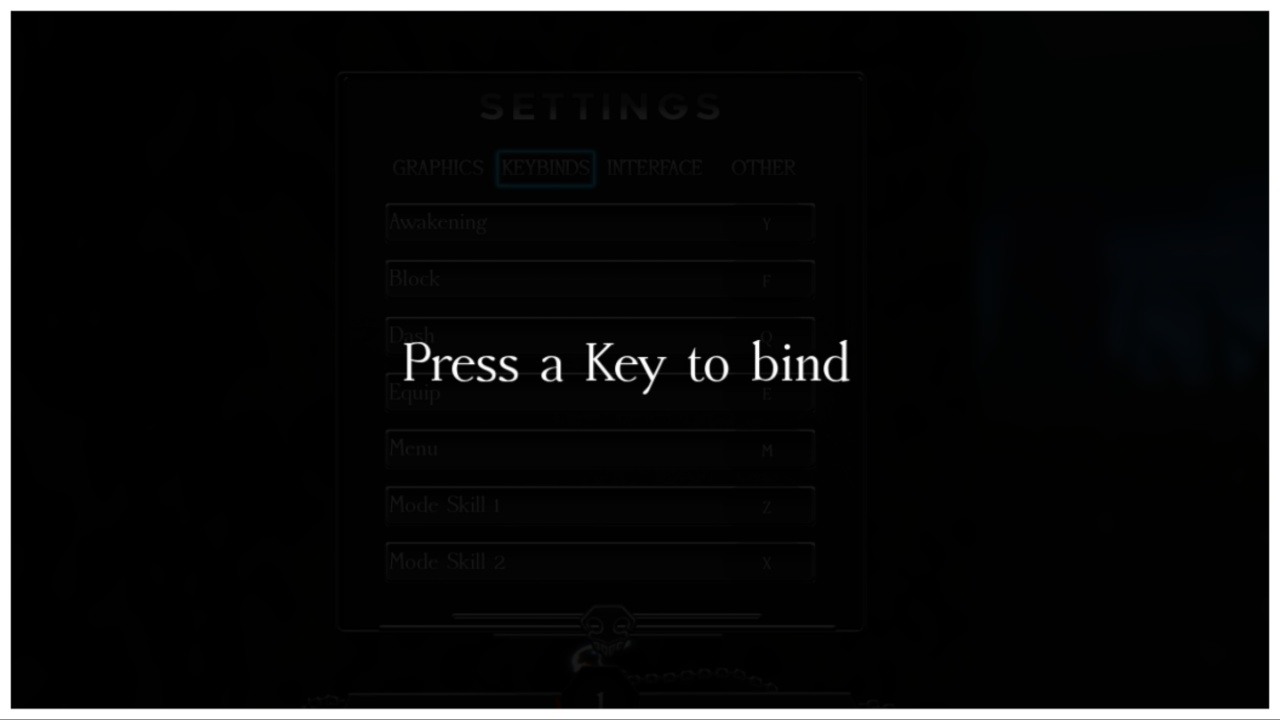
If you’re unhappy with the original keybind set-up, press M to open the menu. From here select the settings cog icon and find ‘Keybinds’. Now you can freely alter the keybinds for smoother gameplay!