Take back control with my How to Drop Items in Gakuran guide, telling you the full controls list, including which key corresponds to letting go of random school collectables.
Let’s get right into it!
How To Drop Items in Gakuran
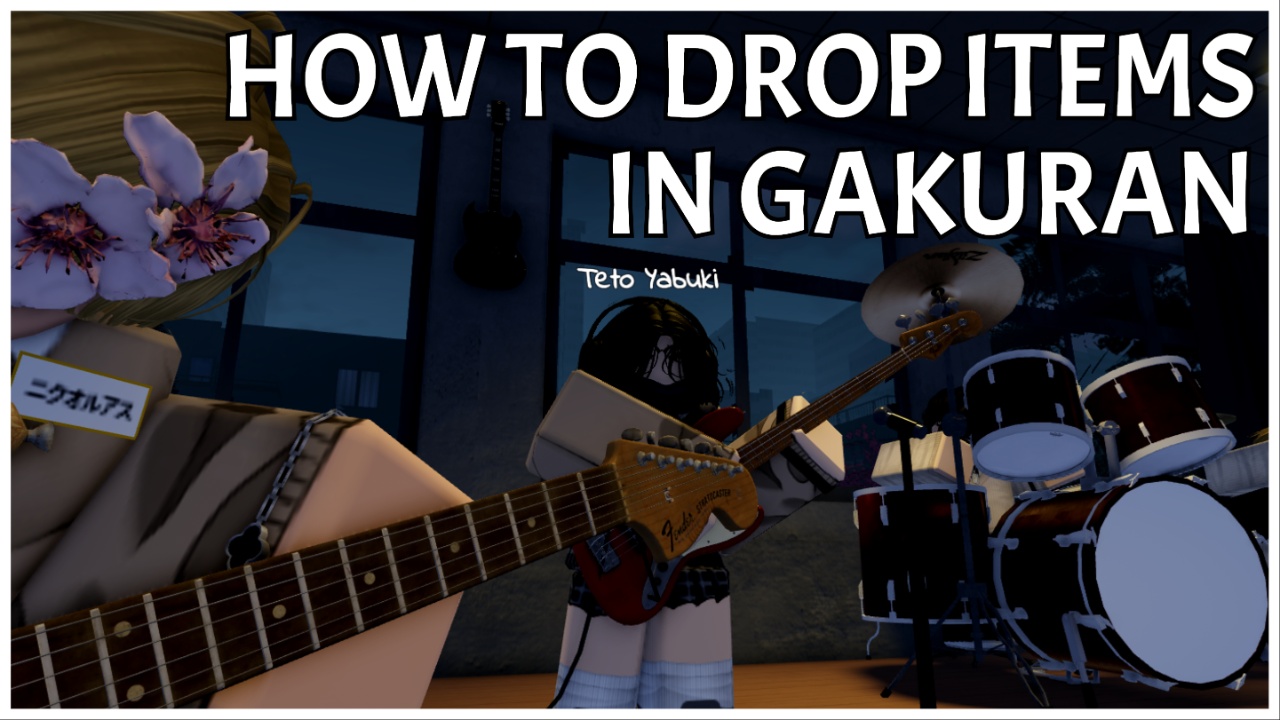
To drop items in Gakuran, press Backspace while the item is equipped in your hand.
Interactable Items
As you explore the school, meet other students, and join activities, you’ll accumulate items via interactions. This includes:
Chalk Board
In all classrooms, you’ll find a Chalkboard. Somewhere in the class (usually near a window on a table), there will be chalk and erasers. By grabbing chalk, you can begin drawing on the chalkboard.
These are collaborative drawing surfaces, meaning other players can see your art and text, and draw alongside you. All drawings remain on the board until scrubbed off with the eraser.
Note: There are also multiple chalk colour options.
Basketball
A skill-based activity that has a unique set of keybinds during play.
- F: begin shooting
- A shot meter will begin to fill. Press F again to shoot the ball.
- Bright green: perfect release
- Line green: slightly late
- Orange: late shot
- Red: Mistimed shot
Basketball is played using the classic rules, with winners usually being those with the most skilled shot ability, dribbling, teamwork, and defence.
Books
Within the library (second floor and at the end of the left hallway), you can pick up books to read. These have actual written tales with turning pages, so you can fully immerse into a story.
Instruments
In music rooms, NPCs can be seen playing instruments. If you pick one up, you can join them and play alongside in a rhythm game. Music notes will fall from the top of the screen in lanes, and you will need to interact when they’re in position to play the corresponding notes correctly.
Accessories
During fights, some players lose their accessories, which get knocked to the ground. You can pick them up by interacting with them and left-clicking to equip, or drop them for someone else using backspace.
Note: Most commonly, you’ll find headphones.
Gakuran Controls
- Backspace: Drop item
- Shift: Run
- ALT: Open Phone
- CTRL: Shift Lock
- Left Click: Punch
- R: Heavy Attack
- T: Use Style
- F: Hold to Block
- Q: Dash
- V: Carry
- B: Execute
Frequently Asked Questions
- How do I get a fighting style?
- Open the stats menu from the left and reroll.
- Why can’t I pick up chalk?
- I’ve noticed that if you play during post-school hours (nighttime), you can’t interact with the chalk and draw on the board. I’m not sure if this is intentional game design or unlucky, but you may have to wait until the next school day to interact with it.
Start Playing Gakuran
Hopefully, you will better understand the controls of Gakuran and can get back to roleplaying via Roblox.
Or, stick around for more of my Gakuran guides, such as my Gakuran Combat Tier List, ranking each fighting style and explaining their placement.