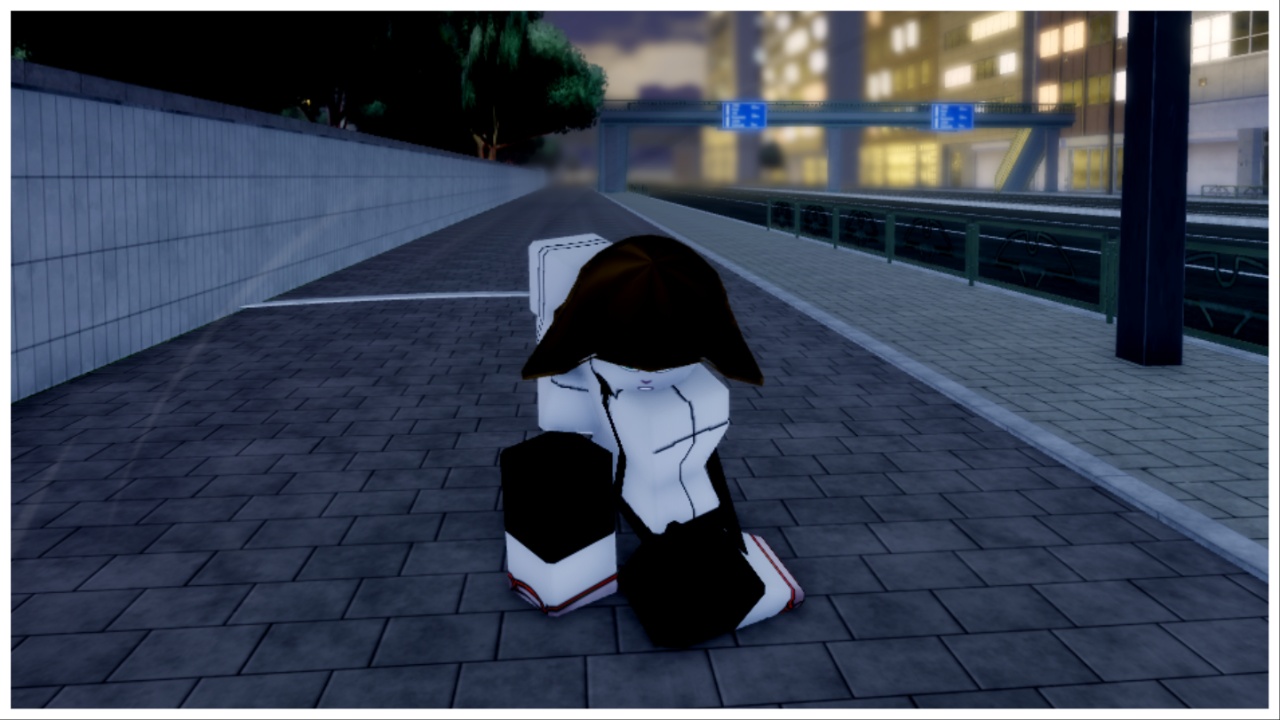
In a (key) bind trying to figure out how to play? Jokes aside, my Devil Hunter PC Controls Guide tell you everything you need to know from movement controls to attacks, and miscellaneous mechanics.
Start playing Devil Hunter via Roblox. For more on this Chainsaw Man-inspired game, check out my Codes guide and get your hands on some limited-time goodies!
Devil Hunter PC Controls Guide
Movement
- WASD
- Basic movement.
- Q Key
- Perform a quick Dash. If you Dash three times, you’ll perform a burst Dash.
- G Key
- Perform a Slide, good for travelling and dodging attacks.
- Shift Key
- Run
Attacks
- M1
- Light Attack. (Cancellable if you press M2)
- R Key
- Perform a Heavy Attack (Critical)
- M1 (Looking Up)
- Perform an Uppercut
- M1 (Airborne)
- Downwards Kick
- T (Follow-up)
- After knocking back or uppercutting an opponent, press T to perform a follow-up attack.
- F Key
- Block an incoming attack. A perfect Block will initiate a Parry.
- B Key
- Perform a Grip (Finishing move) on a downed player.
Misc Mechanics
- Spacebar (Whilst on a wall)
- Climb onto a wall
- Spacebar (Whilst running alongside a wall)
- Perform a Wall Run
- Left Alt
- Mouse Lock
- Z, X, and C Key
- Keybinds for contract abilities (Devil/Fiend Skills)
- L Key
- Unleash Hybrid Transformation (If applicable)
- G Key
- Visceral
- E Key
- Equip a Weapon
- H Key
- Mount your Skateboard (Faster travel)
- K Key
- Open the Emotes Wheel
- N Key
- Open the Phone (Gain access to Missions, Codes, and Skill Tree)
- ` Key
- Open your Inventory
- V Key
- Carry nearest item/player (if applicable)
Frequently Asked Questions
- Q: Can I edit my Keybinds?
- A: Yes! Load into the main game and locate the Settings from the top right hotbar. From here, press Keybinds, and then alter them as you desire.
- Q: Is there Autorun in Devil Hunter?
- A: Yes! Toggle this on via the Settings tab and press ‘On’ to enable Auto Run.