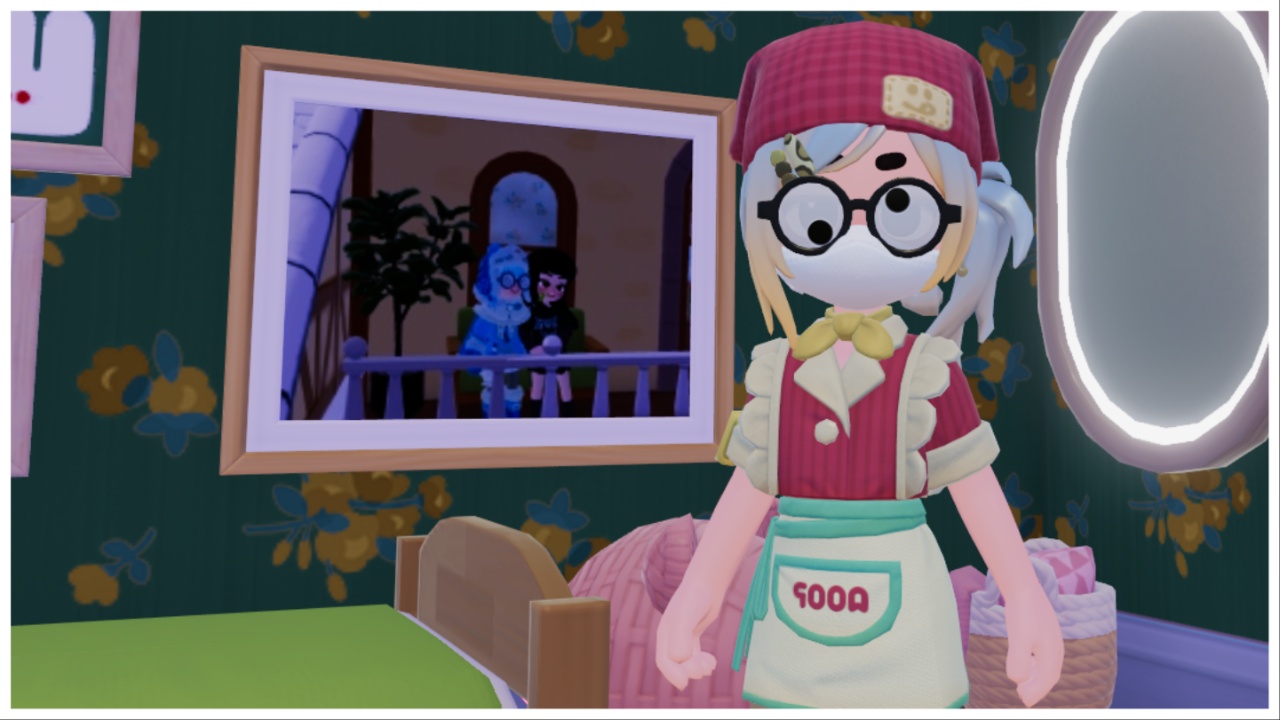
Some things in Heartopia stay relatively well hidden, such as the Home Plots, and even your own album… Discover how to view your Gallery in Heartopia in this simple article, showing you the step-by-step and expanding on the usefulness of taking piccies in the game.
How To View Your Gallery in Heartopia
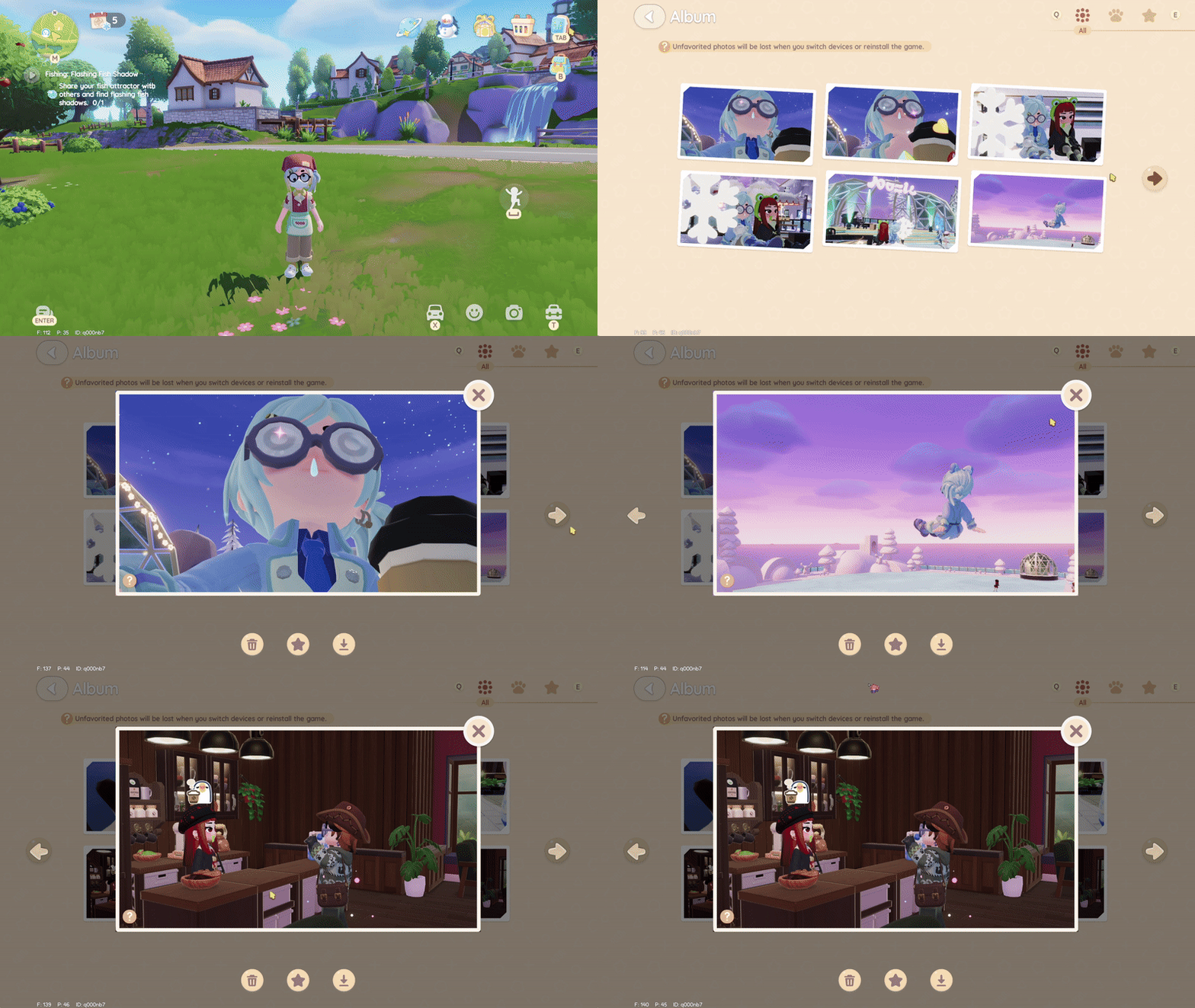
- Select Tab (wristwatch icon from the top right)
- Scroll to the bottom and select Album.
- From here, browse, favourite, download, or delete your images.
- You can also browse by category, including pictures gifted by your pets, and gallery pictures you have in your favourites.
- Note: Any picture not in your favourites will be lost if you delete and reinstall the game, or swap devices.
Frequently Asked Questions
- Q: Does the Birdwatching Camera add to my gallery?
- A: Nope. As this is a hobby item, it is entirely different and separate from the main in-game camera.
- Q: How do I use the camera?
- A: Locate the camera icon on your screen to the right. This button will look similar to a grey camera inside a bubble. From here, you can move the camera using the joystick, as well as control the zoom to get the perfect shot.
- Hint: if you open up the emotes menu, you can toggle on emote looping at the bottom, allowing you to get the perfect picture without needing to keep triggering the emote manually.
- Q: What can I use pictures for?
- A: Aside from archiving your favourite memories and interactions in the game, you can place pictures inside of different-sized frames bought from Ka Ching’s store. These frames can decorate your house as wall hangings, or placed on top of desks and cabinets.
And now you know how to check your gallery in Heartopia! Head in-game to snap the perfect shot via its official website. Or, stick around for more Heartopia content, and check out my daily updated Naughty Egg Hunt Locations guide!